AI playbooks: turn your best agent sessions into reusable prompts
Every good session with an AI agent leaves a method behind, and almost all of it evaporates when the tab closes. A playbook is that method, captured as a reusable prompt. Here is why they matter now, how ctxfile distills them from your own sessions, and how the idea scales from one developer to a whole company.
Think about the last time an AI agent session went really well. You checked things in the right order, you remembered the trap that bit you last quarter, you found the framing that made the model stop hedging. Then you closed the tab.
Where is that method now? In a scrollback nobody will read again, in a chat history one vendor owns, or in your head, degrading. Next week a teammate hits the same task and starts from a blank prompt. So do you, honestly.
That gap between what a session proved and what the next session gets to reuse is the problem playbooks solve.
What a playbook is
A playbook is a reusable prompt that captures a method. Not a one-liner and not a transcript: the distilled shape of how a kind of task gets done well, with placeholders for the parts that change.
Here is one, produced from real sessions on a payments service:
Given <provider> and its signing scheme, implement verification with a replay window,
a timing-safe compare, and an idempotent event store keyed by <event id>.
Write the negative-path tests first: bad signature, stale timestamp, duplicate delivery.
Only then wire the side effect.
Three things make it a playbook rather than a note:
- It has slots.
<provider>and<event id>are the only parts that change next time. Everything else is the method. - It carries the gotchas. The replay window, the timing-safe compare, tests before side effects. These were learned the hard way in the sessions it came from.
- It has provenance. Which model wrote it, from which sessions, when. You can trust it because you can trace it.
Why this matters now
Three shifts in the AI industry make playbooks the missing layer rather than a nice-to-have.
Agents are everywhere, and they do not share. Most teams now use several: Claude Code in the terminal, Cursor in the editor, Codex for reviews, ChatGPT on the phone. Each has its own memory, and none of it travels. The method you refined in one is invisible to the rest.
Prompt libraries go stale on contact. The first response to this problem was the shared prompt doc. It works for a week. Prompts written by hand describe what someone intended, not what worked, and nobody updates them after the fourth time the underlying tool changes. Ask anyone who maintains one.
The value moved from prompting to process. Models are good enough now that the scarce thing is not clever wording, it is knowing the order of operations for a task in your codebase, your data, your compliance rules. That is process knowledge, and process knowledge is exactly what evaporates at the end of a session.
Playbooks capture process from evidence instead of from memory, and they are portable because they are served over an open protocol.
How ctxfile builds them
ctxfile is a local MCP server that already snapshots your project's working state (plan, key files, git, session digests) for any agent to load. Playbooks are built on the sessions it already keeps.
Verified provider webhooks: replay window, timing-safe compare, idempotent claim by event id.
Wrote the negative-path tests first: bad signature, stale timestamp, duplicate delivery.
Checked the provider's signing scheme docs; the SDK pins an older scheme.
Given provider and its signing scheme, implement verification with a replay window, a timing-safe compare, and an idempotent event store keyed by event id. Write the negative-path tests first: bad signature, stale timestamp, duplicate delivery. Only then wire the side effect.
The loop has four steps.
- Work normally. Sessions accumulate through
save_session, threads, and optionally full transcripts from the web chat apps. - Ask for the distillation. In any connected agent: "distill a playbook from the checkout webhooks thread." The
distill_playbooktool runs those sessions through the models you configured underconsult.providers. A local Ollama model means nothing leaves your machine. A cloud key is your explicit choice. - Candidates land in the library. Encrypted at rest with AES-256-GCM, key in your OS keychain, redacted before write like everything ctxfile stores, provenance on every entry.
- Reuse anywhere. Playbooks show up in the dashboard with one-click copy, and they are served as native MCP prompts, so every client with a prompt picker lists them automatically. No copy-paste between tools.
What it looks like
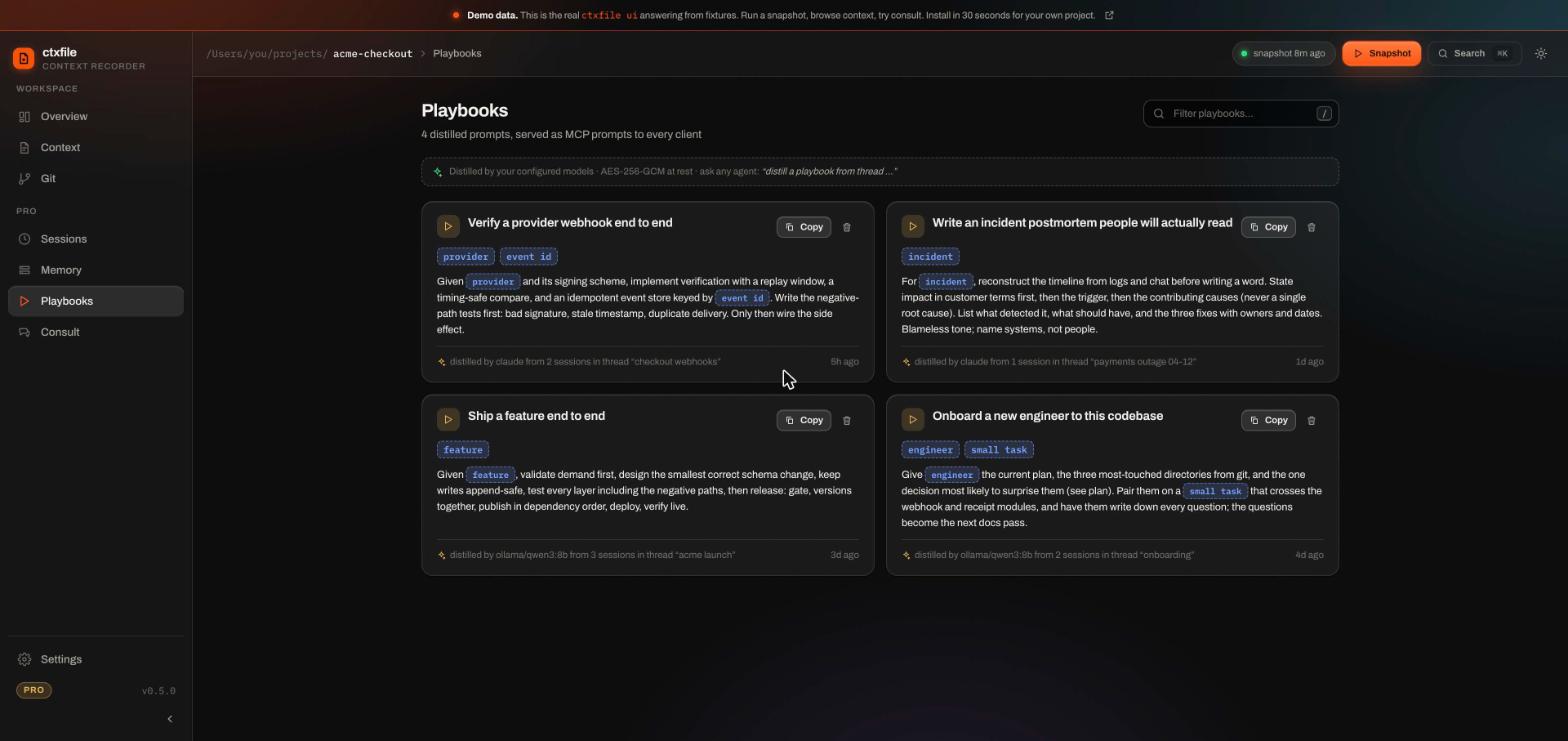
The Playbooks view in the ctxfile dashboard. Each card is one distilled prompt; the highlighted chips are the placeholders to fill in; the footer line is the provenance.
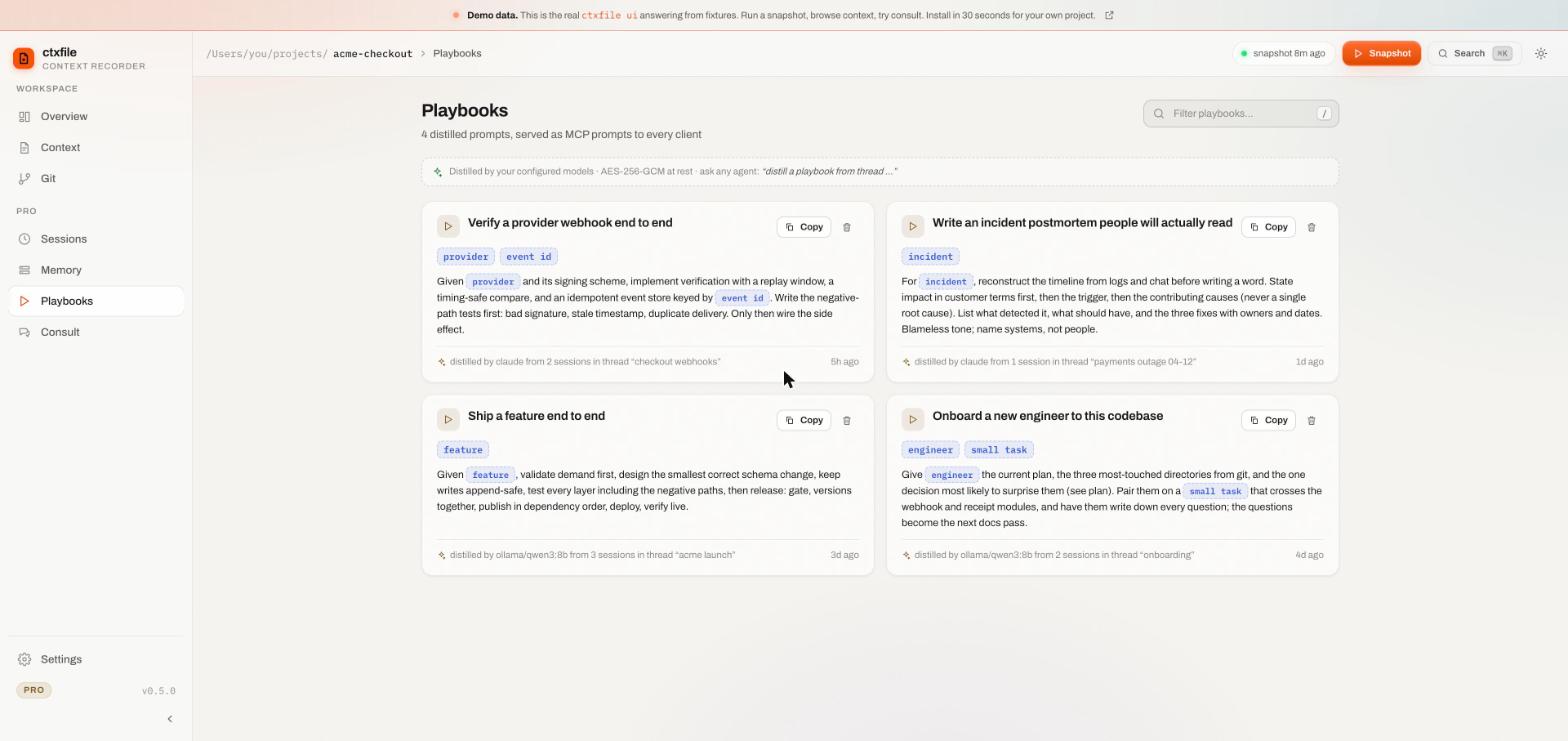
The same view in the light theme. Long prompts clamp to a preview and expand in place; every card copies with one click:
You can explore this yourself without installing anything: the live demo runs the real dashboard over a sample project, playbooks included.
The first playbook ever distilled
It was not about code. It came from hours of university research for a student blocked by one grade. A local 8-billion-parameter model, running on a laptop, produced a general "educational pathway planning with constraints" prompt that preserved every hard-won detail: hidden mandatory fees, conditional credit transfers, checking the department page instead of aggregators, even the neutral tone the situation needed.
That method is now reusable for any student, in any chatbot, forever. Nobody wrote it by hand. That is the point: the library is generated from work you already did.
How it scales
Playbooks start as a personal tool and become an organisational one without changing shape.
One developer. Your own methods, distilled from your own sessions, available in every tool you use. The prompt you refined in Claude Code on Monday is in Cursor's picker on Tuesday.
A team. Working state and playbooks live in the project, not in a vendor's account. Commit the context file and a teammate's fresh clone carries it. The shared writable context in ctxfile's Team tier adds per-agent write permissions and a full audit trail, so a playbook can be proposed by one agent, reviewed by a person, and promoted for everyone.
A company. This is where playbooks turn into something closer to operating procedures for agents. The incident postmortem format your best engineer follows. The onboarding path that works. The compliance checks that must run before a deploy. Distilled from the sessions where they were done right, served to every agent in the organisation, with provenance so you can audit what each agent was told to do. Federation extends the same model across organisation lines: shared, permissioned, encrypted context between companies whose agents collaborate.
The pattern is the same at every scale. Evidence in, method out, served over MCP, encrypted, traceable.
Honest edges
- Quality tracks the model. A local 8B model produces genuinely usable playbooks; that is the tested floor. Frontier models via an API key produce sharper ones. You choose per provider.
- Thin sessions make thin playbooks. Distillation generalises what the sessions show. Rich saves, with decisions and gotchas, distill best.
- The library is local in this release. It is encrypted and it does not sync yet. Distill on the machine where you want the prompts.
- A playbook is a starting point, not a guarantee. It gives the next session the method. It does not make different models agree.
Getting started
Playbooks are a Pro feature; the context engine underneath is free. Install ctxfile and register it with your client:
claude mcp add ctxfile -- npx -y ctxfileWork for a few sessions, save them as you go, then ask your agent:
distill a playbook from the <thread name> threadThe result appears in the dashboard and in every connected client's prompt list. The Playbooks docs cover the tools, the provider configuration, and the encryption details.